
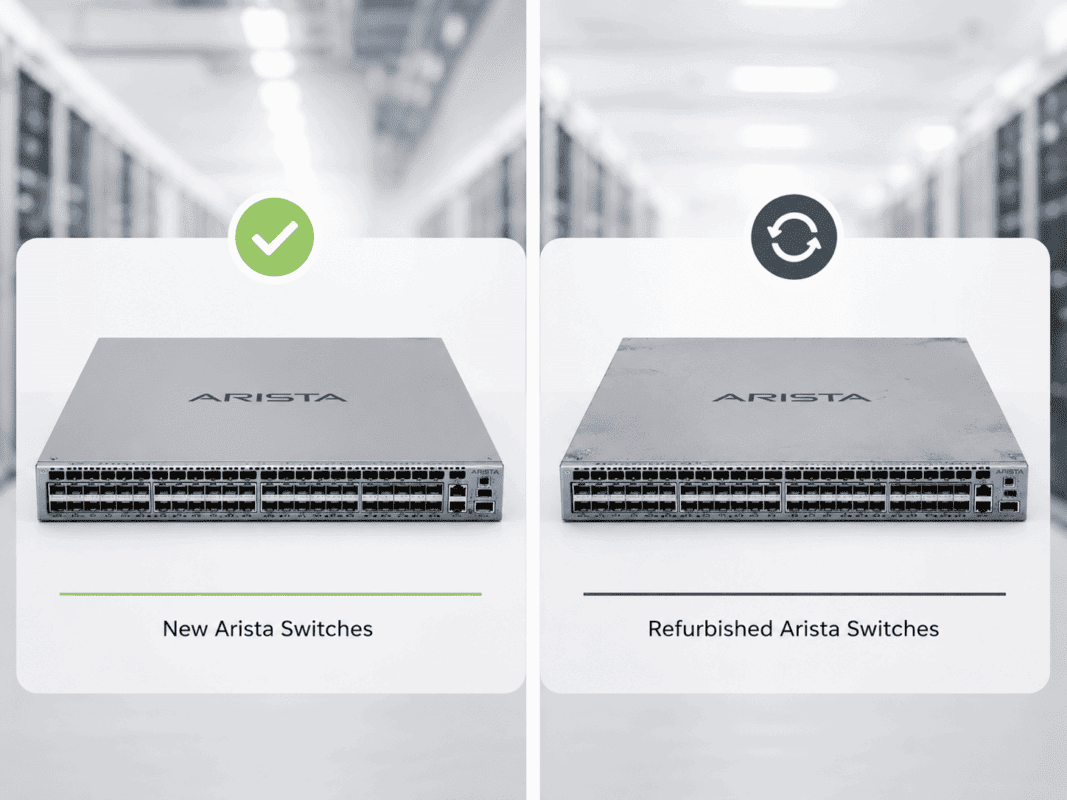
Enterprise data centers are under pressure to expand capacity, control costs, and source hardware faster. That is why buying refurbished Arista switches has become a practical option for teams that need reliable 25G and 100G networking without waiting on long procurement cycles or overspending on every refresh.
The right refurbished Arista switch can support leaf-spine upgrades, AI/HPC growth, lab builds, secondary sites, and cost-focused refresh projects. But the purchase needs careful review. Buyers should check airflow, optics compatibility, EOS/software needs, port speeds, power supplies, fans, testing standards, and warranty coverage before choosing a refurbished unit.
Why are buyers choosing refurbished Arista switches?
Buyers choose refurbished Arista switches because they need strong data center performance without the cost, delay, or procurement limits that often come with new equipment.
This is common during data center refresh projects. Teams may need to expand a leaf-spine fabric, replace failed hardware, build a lab, support a secondary site, or add capacity for AI and cloud workloads.
A refurbished switch can also support budget control. Many IT teams already know that smart sourcing can help them lower network spend without giving up the core performance they need.
Refurbished Arista can make sense when buyers need:
- Faster availability than standard new-hardware channels
- Lower capital cost
- Matching hardware for an existing Arista environment
- Short-term or project-based capacity
- Lab, staging, QA, or proof-of-concept networks
- Cost-effective leaf-spine expansion
- Reduced e-waste through reuse
Arista platforms also fit many data center designs because they support high-density Ethernet switching, leaf-spine architecture, and strong 25G/100G use cases. The 7050X3 family supports dense 10G, 25G, 40G, 50G, and 100G data center switching, while the 7060X family supports flexible 25G and 100G deployments for cloud and virtualized environments.
Refurbished buying does not mean “buy the cheapest unit.” It means matching the right switch, airflow, optics, software plan, and warranty to the job.
Which refurbished Arista switch should you consider first?
The right refurbished Arista switch depends on the role it will play. A 25G leaf switch does not solve the same problem as a 100G spine switch. A routing-heavy switch router does not serve the same buyer as a programmable 100G platform.
The models below cover common Arista use cases across leaf, spine, aggregation, and specialized networks.
| Product | Best-Fit Role | Buyer Use Case |
| DCS-7050SX3-48YC8 | 25G leaf with 100G uplinks | Server access, virtualization, storage, cloud-style racks |
| DCS-7050CX3-32S-F | 100G spine or high-density switching | Spine layer, high-performance interconnects, collapsed spine |
| DCS-7060SX2-48YC6-F / DCS-7060SX2-48YC6-R | Flexible 25G leaf with 100G uplinks | Cloud-style data centers, east-west traffic, rack refresh |
| DCS-7060CX-32S-F | 100G-heavy switching | Spine, 100G aggregation, high-bandwidth fabrics |
| DCS-7280SR-48C6-F | Switch router / aggregation | Routing-heavy workloads, large enterprise, service-provider-style designs |
| DCS-7170-32CD-R | Programmable 100G switching | Advanced packet processing, niche low-latency or custom network use cases |
Match the Switch Role to the Network Design
Start with the architecture. In a leaf-spine design, leaf switches connect to servers and storage, while spine switches move traffic across racks.
The DCS-7050SX3-48YC8 is a strong fit when buyers need dense 25G server access with 100G uplinks. It works well in modern racks that need higher bandwidth than 10G but do not require 100G to every server.
The DCS-7050CX3-32S-F and DCS-7060CX-32S-F are better suited for 100G-heavy designs. Buyers often look at these models for spine roles, interconnect layers, or dense 100G aggregation.
The DCS-7060SX2-48YC6 is useful when the project needs flexible 25G access and 100G uplinks. Since this model appears in both front-to-rear and rear-to-front airflow variants, buyers must match the exact unit to the rack plan.
The DCS-7280SR-48C6-F fits routing and aggregation needs. It can support environments where buyers care about L2/L3 scale, route-heavy traffic, or a stronger aggregation layer.
The DCS-7170-32CD-R is more specialized. It is not the first choice for a standard access layer. Buyers should consider it when programmable switching or advanced packet handling is part of the design.
What should you inspect before buying refurbished Arista switches?
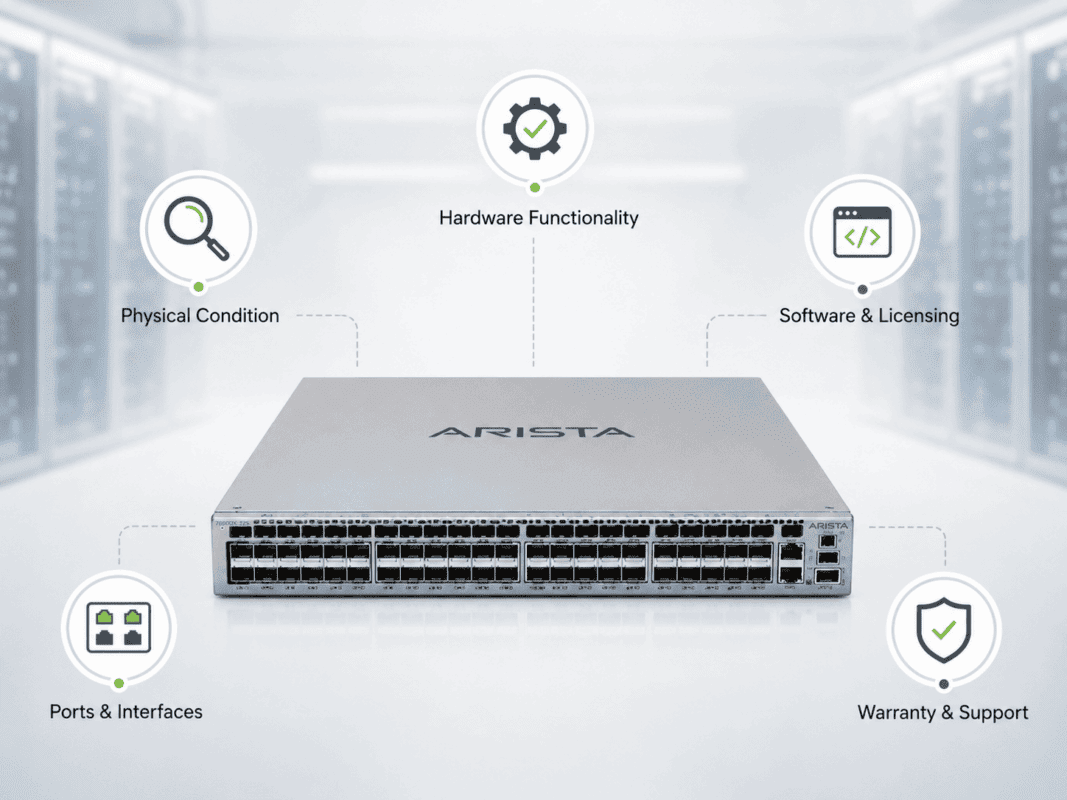
A refurbished Arista switch should go through more than a basic visual check. Buyers should confirm the exact model, condition, port health, airflow, power, fans, optics support, software path, and warranty terms.
This matters because data center switches often sit at the center of critical workloads. A missed detail can delay deployment, cause cabling errors, or create thermal issues in the rack.
Many enterprise buyers already follow a broader refurbished network checklist before they approve secondary-market equipment. Arista buyers should apply the same discipline, then add model-specific checks.
| Inspection area | What to check | Why it matters |
| Model and part number | Confirm exact SKU, suffix, and airflow model | Similar models can have different port layouts or airflow |
| Port health | Confirm all SFP, SFP+, SFP28, and QSFP ports pass testing | Failed ports can reduce usable capacity |
| Power supplies | Check quantity, wattage, and redundancy | Missing or mismatched PSUs can create risk |
| Fans | Confirm correct fan modules and airflow direction | Wrong airflow can cause overheating |
| Optics support | Match optics, DAC, AOC, and fiber type | Incompatible optics can delay turn-up |
| EOS/software | Confirm software version and upgrade path | Unsupported releases can limit operations |
| Cosmetics | Check for damage, bent cages, missing labels, or heavy wear | Physical issues may signal poor handling |
| Testing proof | Ask for test results or burn-in status | Testing reduces deployment risk |
| Warranty | Confirm coverage, replacement terms, and return window | Refurbished value depends on support confidence |
A good supplier should help confirm these items before the order ships. This is especially important when buyers need hardware for a tight maintenance window.
How do you check airflow direction on refurbished Arista switches?
Airflow direction tells you how the switch moves air through the chassis. In a data center, this matters because racks often follow hot-aisle and cold-aisle layouts.
Many Arista switches use model suffixes such as -F or -R to show airflow direction. Buyers should never assume the suffix matches the rack design. They should confirm it during quoting.
For example, the DCS-7060SX2-48YC6-F and DCS-7060SX2-48YC6-R can fit the same network role, but they serve different airflow needs. A wrong airflow choice can push hot air into the cold aisle or pull warm air into the switch.
Before buying, confirm:
- Front-to-rear or rear-to-front airflow
- Fan module direction
- Power supply airflow direction
- Rack hot-aisle/cold-aisle layout
- Whether the switch will face the server ports or network ports
- Whether all replacement fans match the chassis airflow
Airflow mistakes are common in refurbished procurement because buyers often focus on port count first. Port count matters, but thermal fit can decide whether the switch runs safely.
How should buyers verify optics compatibility?
Optics compatibility can make or break a refurbished Arista purchase. A switch may have the right ports, but the wrong optics can stop a project.
Buyers should match the optic to the switch port, speed, cable distance, fiber type, and network design. They should also check whether they need short-reach multimode, long-reach single-mode, DAC, AOC, or breakout connectivity.
This becomes more important in AI and HPC environments, where network traffic can move heavily east-west across racks. Teams working through AI network limits need to validate optics early, not after hardware arrives.
| Connectivity item | Best fit | Common use case | Buyer note |
| SFP-25G-SR | 25G multimode fiber | Server access from 7050SX3 or 7060SX2 | Check MMF type and link distance |
| QSFP-100G-SR4 | 100G multimode fiber | Short-reach leaf-spine uplinks | Check MTP/MPO cabling needs |
| QSFP-100G-LR4 | 100G single-mode fiber | Longer 100G links | Check SMF distance and budget |
| 25G DAC | Short copper links | Same-rack or close-rack server links | Good for cost and low power |
| 100G DAC | Short 100G links | Rack-level interconnects | Confirm supported length |
| 100G AOC | Active optical cabling | Short-to-mid distance links | Useful when fiber flexibility matters |
| MMF / SMF fiber | Physical cabling | Data center fiber plant | Must match optic type |
Buyers should also ask whether optics come new, tested, refurbished, or third-party compatible. The best answer depends on budget, risk tolerance, and deployment type.
For production networks, many teams prefer new or fully tested optics with clear compatibility checks. For labs or staging, tested refurbished optics may fit well.
What EOS and software issues matter before purchase?
Arista EOS software matters because hardware value depends on operational fit. A refurbished switch should match the buyer’s target EOS version, support model, and internal network standards.
Arista states that each major EOS software release receives support for up to 36 months from the first posting date of that release train. Buyers should check their current EOS version and confirm the path before using refurbished units in production.
Before purchasing, ask these questions:
- What EOS version currently runs on the switch?
- Does the target environment require a specific EOS train?
- Can the switch support the planned version?
- Does the buyer need feature parity with existing Arista switches?
- Are there compliance rules for software support?
- Does the deployment need CloudVision alignment?
- Does the buyer have access to required software and support channels?
Software planning also helps avoid operational drift. A switch may boot and pass hardware tests, but it may still create issues if it cannot align with the rest of the environment.
For production use, buyers should plan EOS checks before the purchase order. For lab or non-critical use, software requirements may allow more flexibility.
Which port speeds should you confirm before buying?
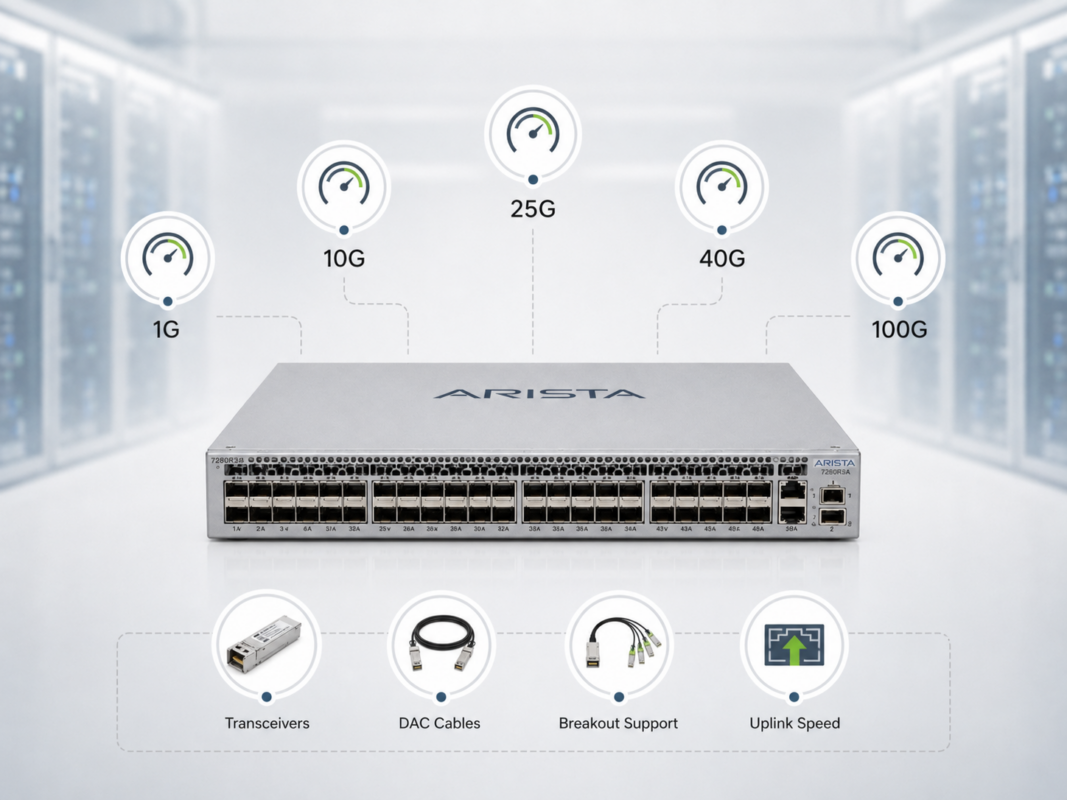
Port speed is one of the first items buyers check, but it still causes mistakes. Some models support several speeds, breakout modes, and optic types. Others fit a narrow role.
The DCS-7050SX3-48YC8 fits buyers who need 25G server access and 100G uplinks. It works well as a leaf switch in a modern 25G/100G data center fabric.
The DCS-7050CX3-32S-F and DCS-7060CX-32S-F fit buyers who need dense 100G connectivity. They can support spine, collapsed spine, interconnect, or high-throughput fabric roles.
The DCS-7280SR-48C6-F fits buyers who need 10G access with 100G uplinks and stronger routing or aggregation use cases.
The DCS-7170-32CD-R needs special care. Buyers should only choose it when they need programmable switching or advanced packet processing. A standard 7050 or 7060 platform may fit better for common access or spine needs.
When planning port speeds, confirm:
- Server NIC speeds
- Uplink speeds
- Breakout requirements
- Optic and cable support
- Oversubscription targets
- Current and future rack design
- Whether the switch will serve leaf, spine, routing, or lab use
This step protects buyers from overbuying or underbuying. It also helps build a better quote.
What should buyers check for power supplies and fans?
Port speed should be confirmed before buying a refurbished Arista switch because each model fits a different network role. The right choice depends on whether the switch will support server access, uplinks, spine connectivity, routing, or specialized workloads.
A buyer should not choose only by total port count. They should confirm the actual speed needed for servers, storage, uplinks, optics, and future expansion.
| Arista Model | Main Port Speed Focus | Best Fit | What to Confirm Before Buying |
| DCS-7050SX3-48YC8 | 25G server access + 100G uplinks | Leaf switch for modern data centers | Confirm 25G SFP28 server ports, 100G QSFP uplinks, and SFP-25G-SR / QSFP-100G-SR4 / LR4 compatibility |
| DCS-7050CX3-32S-F | 100G switching | Spine, collapsed spine, or high-density interconnect | Confirm 100G QSFP port needs, uplink design, optics type, and whether breakout is required |
| DCS-7060SX2-48YC6 | 10G/25G access + 100G uplinks | Flexible leaf switch for cloud, storage, and virtualization | Confirm server NIC speed, 25G access needs, 100G uplink count, and airflow model |
| DCS-7060CX-32S-F | 100G switching | 100G spine or high-performance fabric layer | Confirm 100G fabric needs, QSFP optics, DAC/AOC support, and connection distance |
| DCS-7280SR-48C6-F | 10G access + 100G uplinks | Routing, aggregation, and L2/L3 scale | Confirm 10G access requirements, 100G uplink use, routing role, and optics support |
| DCS-7170-32CD-R | 100G programmable switching | Advanced packet processing, low-latency, or specialized environments | Confirm the workload truly needs programmable switching, not just standard 100G connectivity |
Port Speed Decision Table
| Buyer Need | Recommended Speed Focus | Best Arista Fit | Buying Note |
| Server access upgrade | 25G | DCS-7050SX3-48YC8 or DCS-7060SX2-48YC6 | Best for connecting modern servers with 25G NICs |
| Leaf-spine uplinks | 100G | DCS-7050SX3-48YC8, DCS-7060SX2-48YC6, DCS-7050CX3-32S-F | Confirm QSFP-100G-SR4, QSFP-100G-LR4, DAC, or AOC requirements |
| 100G spine layer | 100G | DCS-7050CX3-32S-F or DCS-7060CX-32S-F | Best when many leaf switches need high-speed uplinks |
| Routing or aggregation | 10G + 100G | DCS-7280SR-48C6-F | Good for mixed access, aggregation, and L3-heavy designs |
| AI/HPC fabric expansion | 25G + 100G | DCS-7050SX3-48YC8, DCS-7060SX2-48YC6, DCS-7050CX3-32S-F, DCS-7060CX-32S-F | Confirm east-west traffic needs and uplink capacity |
| Lab or staging network | 10G, 25G, or 100G | Depends on test environment | Match the refurbished switch to the production model being tested |
| Specialized packet processing | 100G programmable | DCS-7170-32CD-R | Choose only when the use case requires programmable switching |
Before purchasing, confirm these port-speed details:
- Server NIC speed
Check whether servers need 10G, 25G, or mixed-speed access. - Uplink speed
Confirm whether the design needs 40G, 100G, or future 100G expansion. - Leaf or spine role
A 25G leaf switch and a 100G spine switch solve different problems. - Optics and cable type
Match each speed with the right SFP, QSFP, DAC, AOC, MMF, or SMF option. - Breakout requirements
Confirm whether 100G ports need to break out into 4x25G connections. - Current and future capacity
Choose enough port speed for today’s workload and near-term growth.
A clear port-speed check helps buyers avoid underpowered switches, unused capacity, and compatibility issues. It also makes the refurbished Arista quote more accurate because the switch, optics, and cables can be sourced together.
What warranty and testing should you expect?
Warranty and testing separate a smart refurbished purchase from a risky one. Buyers should ask how the switch was tested and what happens if it fails after delivery.
A practical warranty should define the return window, replacement process, and support path. It should also explain whether the unit went through port testing, burn-in, fan checks, power checks, and cosmetic grading.
This matters more in supply-constrained markets. When buyers rely on secondary-market hardware, they need confidence in both the product and the supplier. Many procurement teams now use resilient supply options to reduce delay, but they still need clear testing standards.
Ask for:
- Test confirmation
- Port validation
- Power and fan health checks
- Serial number tracking
- Cosmetic condition notes
- Warranty period
- Replacement terms
- DOA policy
- Lead time for replacements
- Packaging standards
Good packaging also matters. Data center switches can suffer damage in transit if sellers use poor packing materials. A tested switch should arrive ready for staging, not repair.
When is refurbished Arista better than new?
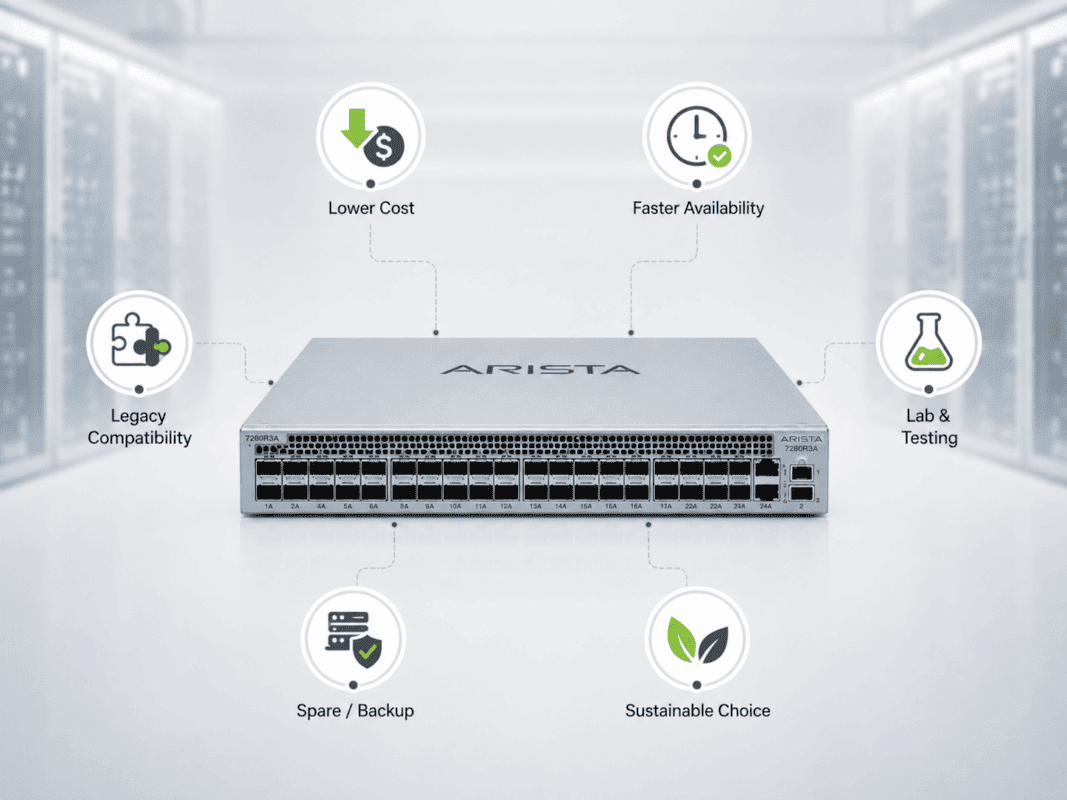
Refurbished Arista is often better than new when buyers need cost control, faster sourcing, matching legacy equipment, or capacity for secondary environments.
New hardware still makes sense when the buyer needs the latest platform, a full manufacturer lifecycle, direct support alignment, or strict standardization for a long-term build.
The right choice depends on workload, risk, timing, and budget.
| Buying scenario | Refurbished Arista may fit better | New Arista may fit better |
| Budget-limited refresh | Yes, especially for proven 25G/100G designs | Maybe, if lifecycle is more important than cost |
| Urgent replacement | Yes, if stock is available fast | Maybe, if lead time works |
| AI/HPC lab | Yes, for cost-controlled testing | Yes, for latest performance targets |
| Production AI build | Maybe, for expansion or secondary clusters | Often, for new lifecycle alignment |
| Existing Arista fabric | Yes, when matching installed models | Maybe, if standardizing on newer hardware |
| Compliance-heavy environment | Maybe, with clear testing and documentation | Often, if vendor support rules require it |
| Sustainability goal | Yes, reuse supports circular IT | Maybe, if efficiency gains justify replacement |
Refurbished hardware can also support sustainability programs. Extending the life of enterprise equipment aligns with circular IT models and can reduce the amount of hardware moving into the waste stream.
That said, buyers should not treat refurbished as a shortcut. It works best when teams apply the same care they use for new equipment planning.
How does a Refurbished Arista Data Center Refresh Bundle work?
A Refurbished Arista Data Center Refresh Bundle helps buyers source the switch, optics, cables, and related services together instead of buying each item in isolation.
This matters because data center projects often fail at the edges. A team may buy the right switch but miss the right optics. Or they may source the right optics but choose the wrong airflow. Bundling helps reduce that risk.
A practical bundle can include:
- Refurbished Arista leaf switches
- Refurbished Arista spine switches
- New or tested optics
- DAC, AOC, MMF, and SMF fiber cables
- Airflow-matched fans and power supplies
- Compatibility checks
- Optional trade-in or buyback of retired equipment
Example bundle structures:
| Bundle type | Switch layer | Connectivity | Best use case |
| 25G leaf refresh | DCS-7050SX3-48YC8 or DCS-7060SX2-48YC6 | SFP-25G-SR, 25G DAC, QSFP-100G-SR4 | Server access upgrade |
| 100G spine refresh | DCS-7050CX3-32S-F or DCS-7060CX-32S-F | QSFP-100G-SR4, QSFP-100G-LR4, 100G DAC/AOC | Leaf-spine fabric expansion |
| Routing / aggregation | DCS-7280SR-48C6-F | 10G SFP+, 100G QSFP optics | Aggregation and L3 scale |
| Advanced programmable | DCS-7170-32CD-R | QSFP-100G optics and cables | Specialized packet processing |
This approach also helps buyers remove retired equipment from the environment. A buyback or trade-in path can return value from older switches and support data center reuse goals.
What is the best buying process for refurbished Arista switches?
The best buying process for refurbished Arista switches starts with the network role, not the model number. Buyers should first decide whether the switch will support server access, spine connectivity, routing, lab testing, AI/HPC expansion, or a full data center refresh.
A clear process helps avoid common issues such as wrong airflow, unsupported optics, mismatched port speeds, missing power supplies, or limited warranty coverage.
| Step | Buying Action | What to Confirm | Why It Matters |
| 1 | Define the network role | Leaf, spine, routing, aggregation, lab, or programmable switching | The use case decides which Arista model fits best |
| 2 | Match the right model | DCS-7050SX3-48YC8, DCS-7050CX3-32S-F, DCS-7060SX2-48YC6, DCS-7060CX-32S-F, DCS-7280SR-48C6-F, or DCS-7170-32CD-R | Prevents overbuying or choosing the wrong platform |
| 3 | Confirm port speeds | 10G, 25G, 40G, or 100G requirements | Ensures the switch matches servers, uplinks, and fabric design |
| 4 | Check airflow direction | Front-to-rear or rear-to-front airflow | Avoids cooling issues in hot-aisle/cold-aisle rack layouts |
| 5 | Verify optics and cables | SFP-25G-SR, QSFP-100G-SR4, QSFP-100G-LR4, DAC, AOC, MMF, or SMF fiber | Reduces compatibility problems during deployment |
| 6 | Review EOS/software needs | Current EOS version, upgrade path, and support requirements | Keeps the switch aligned with the existing network environment |
| 7 | Inspect power and fans | PSU count, fan modules, airflow match, and hardware health | Supports stable operation and redundancy |
| 8 | Request testing proof | Port testing, burn-in results, hardware status, and serial tracking | Confirms the switch has been properly checked before shipping |
| 9 | Review warranty terms | Return window, replacement policy, DOA coverage, and support process | Protects the buyer after purchase |
| 10 | Consider a bundle | Switches, optics, DAC/AOC/fiber cables, and buyback/trade-in options | Simplifies sourcing and reduces deployment risk |
Need help building a refurbished Arista refresh plan?
Catalyst Data Solutions can help buyers evaluate refurbished Arista availability, bundle pricing, optics compatibility, airflow direction, and model fit before purchase.
This support helps when buyers need to compare several Arista options, source hard-to-find equipment, or align switch inventory with real rack, cable, and workload requirements.
Catalyst Data Solutions also helps with optional trade-in or buyback of decommissioned switches. That can reduce project cost and simplify refresh planning.
For teams balancing cost, lead time, and reliability, this type of sourcing support can turn a risky refurbished purchase into a cleaner procurement plan.
FAQs
1. Is buying refurbished Arista switches safe for production networks?
Yes, refurbished Arista switches can be safe for production networks when they are properly tested, matched to the right use case, and backed by clear warranty terms. Buyers should confirm port testing, fan and power supply health, airflow direction, optics compatibility, and EOS/software requirements before purchase.
2. What is the biggest risk when buying refurbished Arista switches?
The biggest risk is buying the right model with the wrong configuration. Common issues include incorrect airflow direction, unsupported optics, mismatched port speeds, missing power supplies, or no clear testing record. These issues can delay deployment even if the switch itself works.
3. How do I know which refurbished Arista model is right for my network?
Start with the network role. Use models like the DCS-7050SX3-48YC8 or DCS-7060SX2-48YC6 for 25G leaf switching.
Use the DCS-7050CX3-32S-F or DCS-7060CX-32S-F for 100G spine or fabric roles. Use the DCS-7280SR-48C6-F for routing or aggregation, and the DCS-7170-32CD-R for advanced programmable switching.
4. Should I buy refurbished Arista optics and cables too?
You can, but compatibility matters more than price. For production networks, use new or fully tested optics and cables whenever possible. Confirm support for SFP-25G-SR, QSFP-100G-SR4, QSFP-100G-LR4, DAC, AOC, MMF, or SMF fiber based on switch model, distance, and port speed.
5. When is refurbished Arista better than buying new?
Refurbished Arista is often better when buyers need faster sourcing, lower cost, matching hardware for an existing environment, lab capacity, secondary-site hardware, or a cost-controlled data center refresh. New may be better when the project requires the latest platform, full manufacturer lifecycle, or strict vendor support alignment.